HOSP Tab
This tab is used for performing background checks on the consultants. The admin users can view the background checks of the consultants which will show the legal nurse or doctor's number, court events, etc.
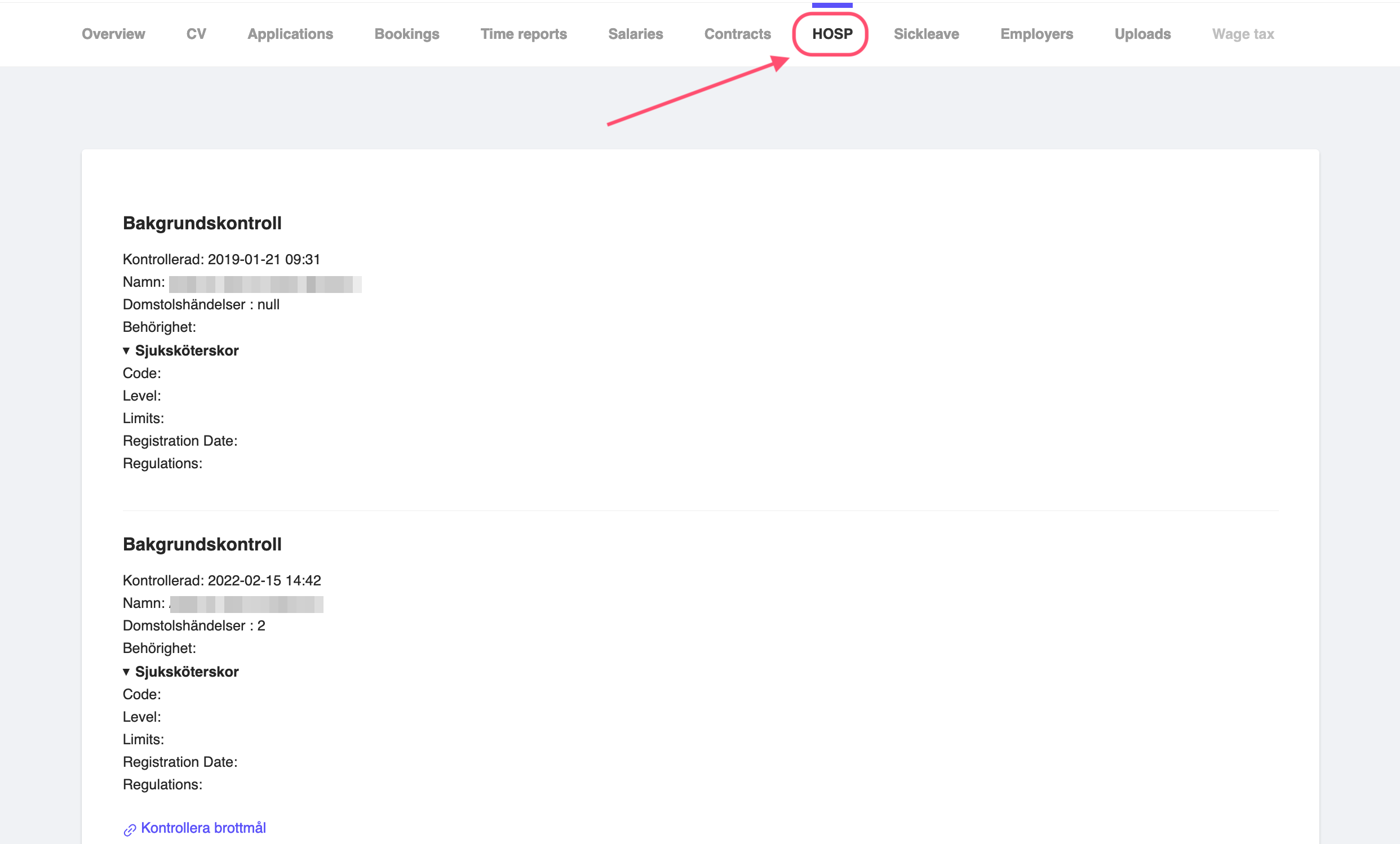
Figure 1: Consultant HOSP Tab
In the sample figure, you can see that the consultant was checked two times. However, in the first one, the consultant didn't have any certification or legal nurse or doctor's number. As well as, there were no court events.
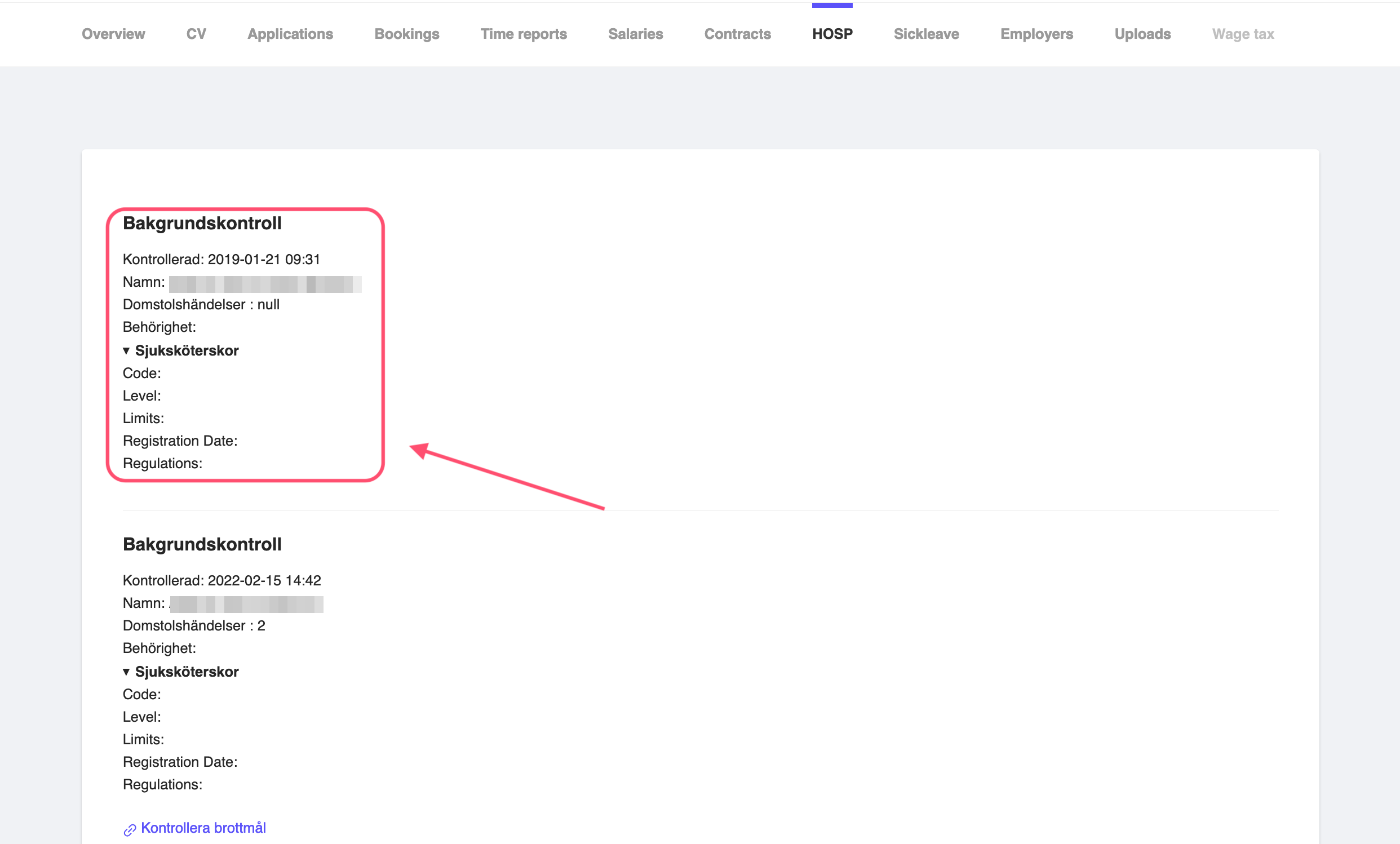
Figure 2: Consultant HOSP Check One
However, in the second check, the consultant has two court events, see field Domstolshändelser. And you can see that in details, by clicking on the Kontrollera brottmål button for the court events.
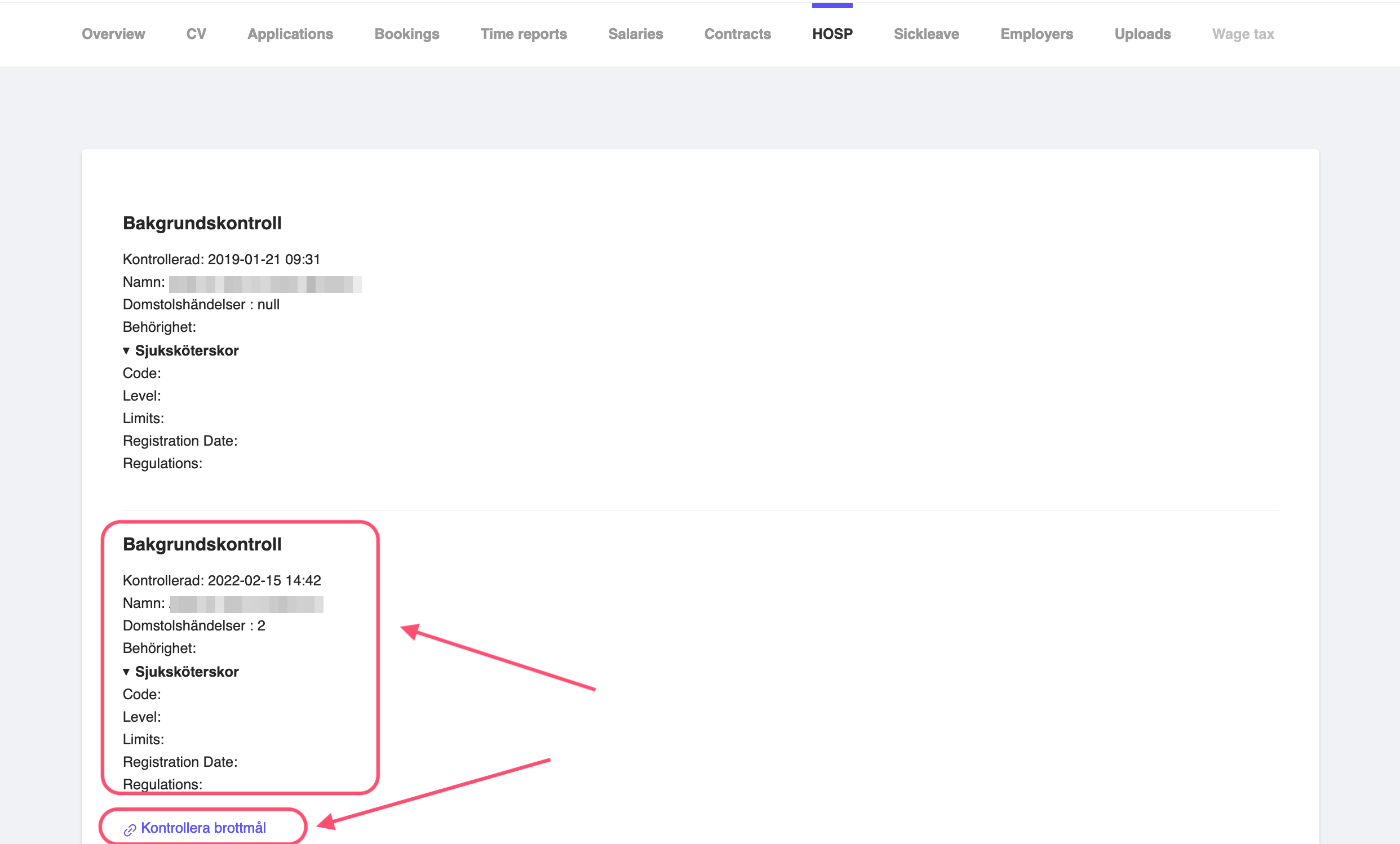
Figure 3: Consultant HOSP Check Two
Perform Background Check
To perform a background check on the consultant, click on the Kontrollera HOSP button. This will perform a background check on the consultant and show the results in the HOSP tab.
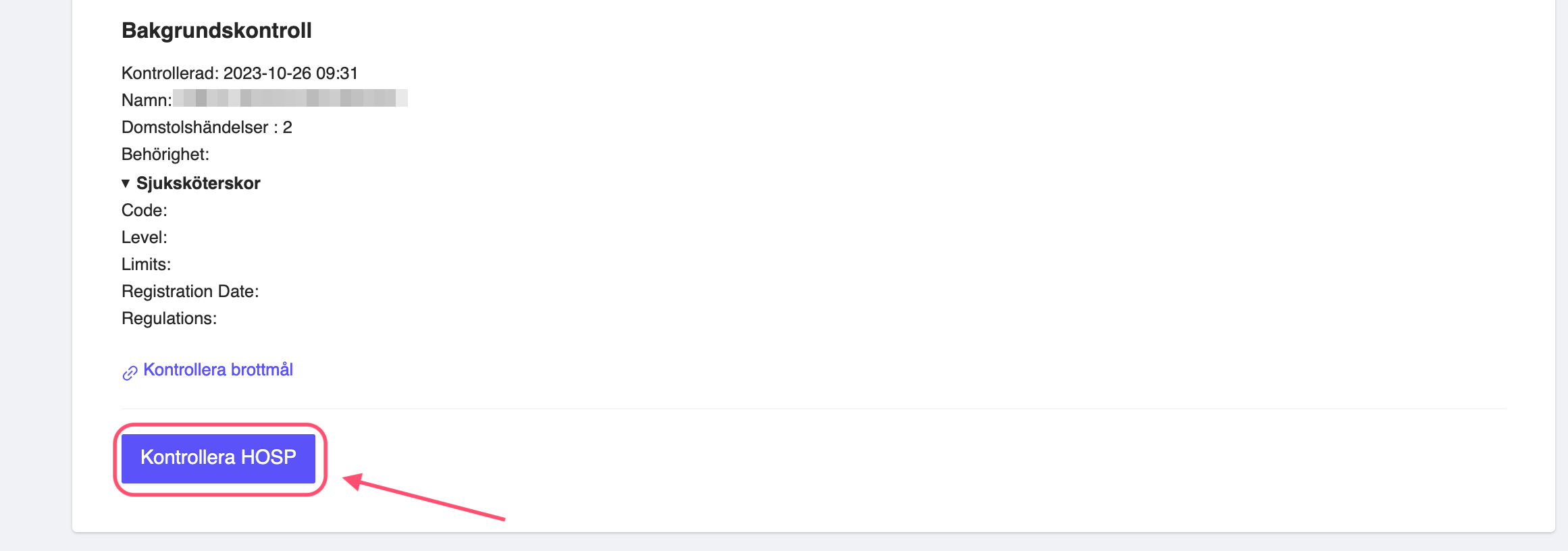
Figure 4: Perform Background Check