Contracts Tab
Using the contracts tab, the admin users can view the contracts signed by the consultants for shifts from the employer. In this tab, you will be able to view the past and upcoming contracts signed by the consultants on monthly basis.
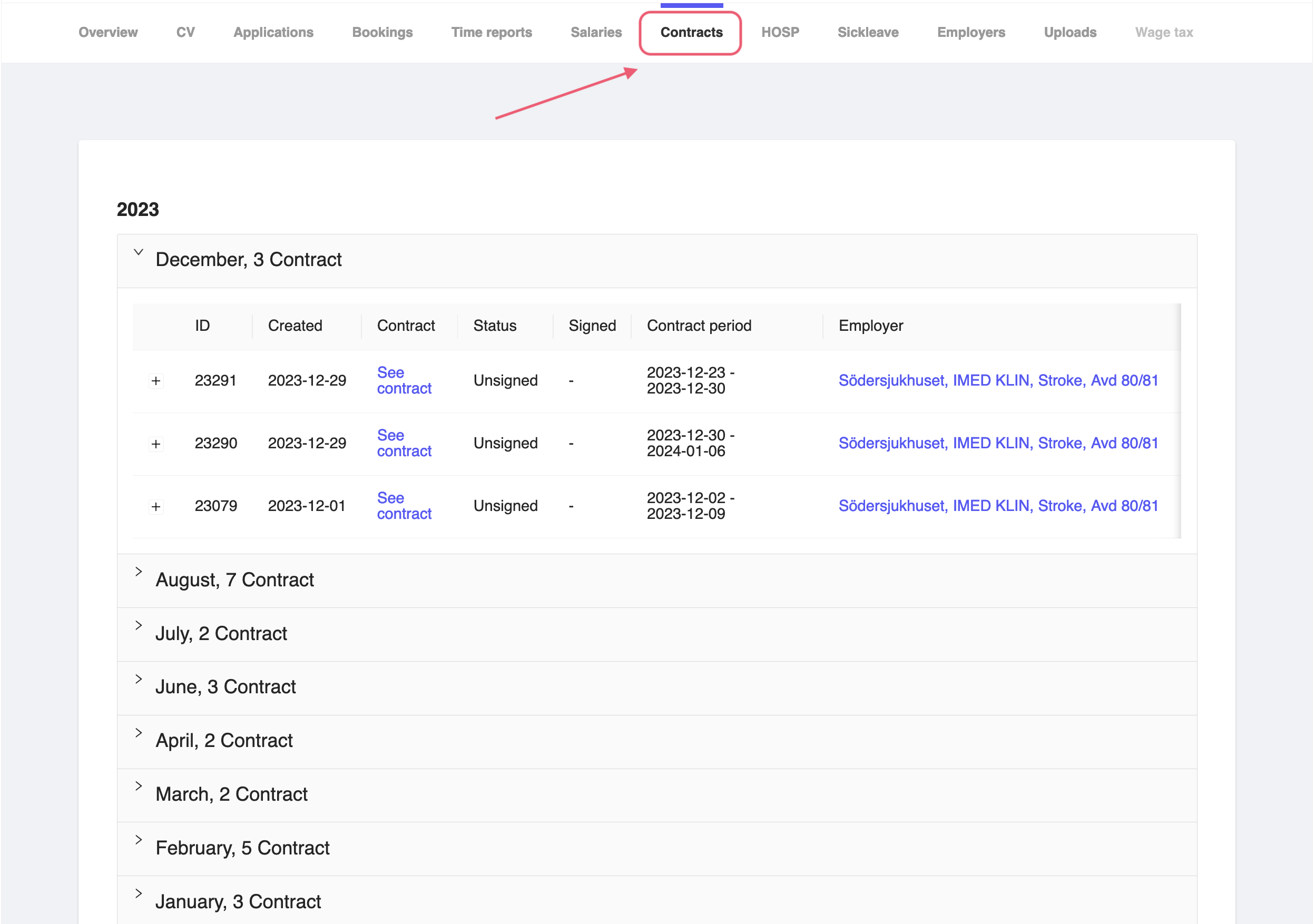
Figure 1: Consultant Contracts Tab
In order to see a particular contract, you can click on the See contract button. This will show the details of the contract signed by the consultant.
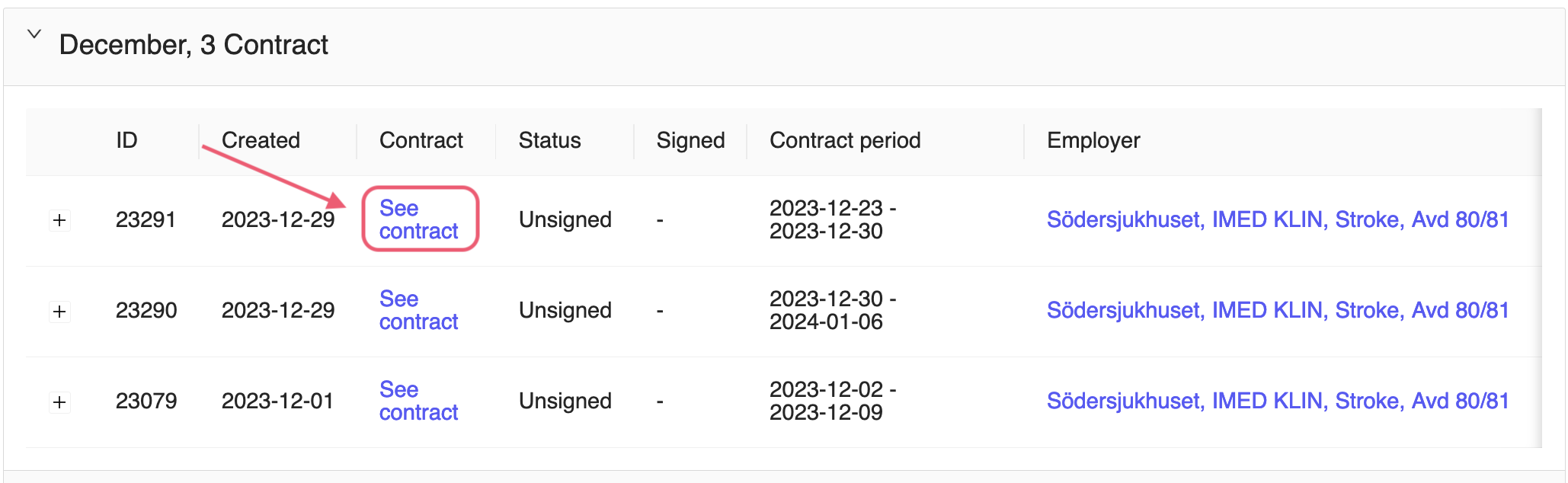
Figure 2: Consultant View Contract
You can also click on the employer name to view the details of the employer as well.
Note
Unfortunately, the admin users are not able to add, edit or delete the contracts from the admin panel. The contracts are created by the system based on the shifts created by the employer.