Employers Tab
The employers tabs contains the list of employers the consultant has worked with. The admin users can view the list of employers, set a salary margin and if required, change the consultant fee margin.
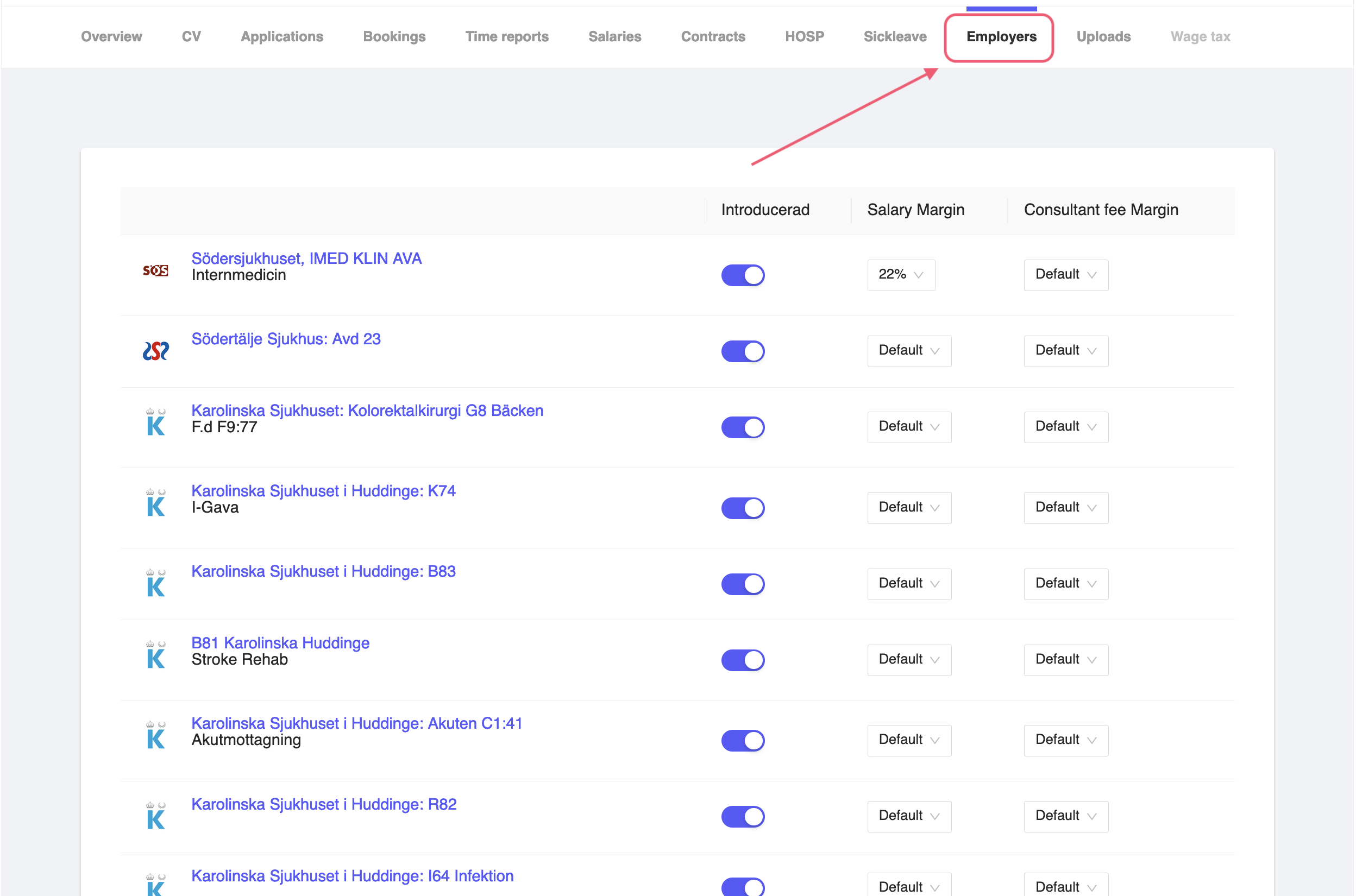
Figure 1: Consultant Employers Tab
- Introducerad - In the employers list, you can enable the field to mark the employer as introduced to the employer.
- Salary Margin - You can set the salary margin for the consultant. This is the margin that the consultant will get from the employer. You can set the salary margin by select the percentage from the dropdown.
- Consultant fee Margin - You can set the consultant fee margin for the consultant. This is the margin that the consultant will get from the employer. You can set the consultant fee margin by select the percentage from the dropdown.