General information about the Admin Application
Contains information about the user interface of the admin application.
Overview
The user interface of the admin application is designed to be simple and intuitive, yet packed with distinct functionalities. Only users with the role of Super Admin or Admin can access the admin application. The admin application is responsible for managing the users(Employers, Consultants and Admin users), permissions, and roles of the Medpeople project, maintaining bookings, salary attestations, and other administrative tasks.
Accessing the Admin App
To access the admin application, the user must be logged in. The user will be redirected to the login page where they can enter their credentials.
Login Process
- Visit the Admin Medpeople website.
- Enter your
usernameandpassword. - Click on the
Loginbutton.
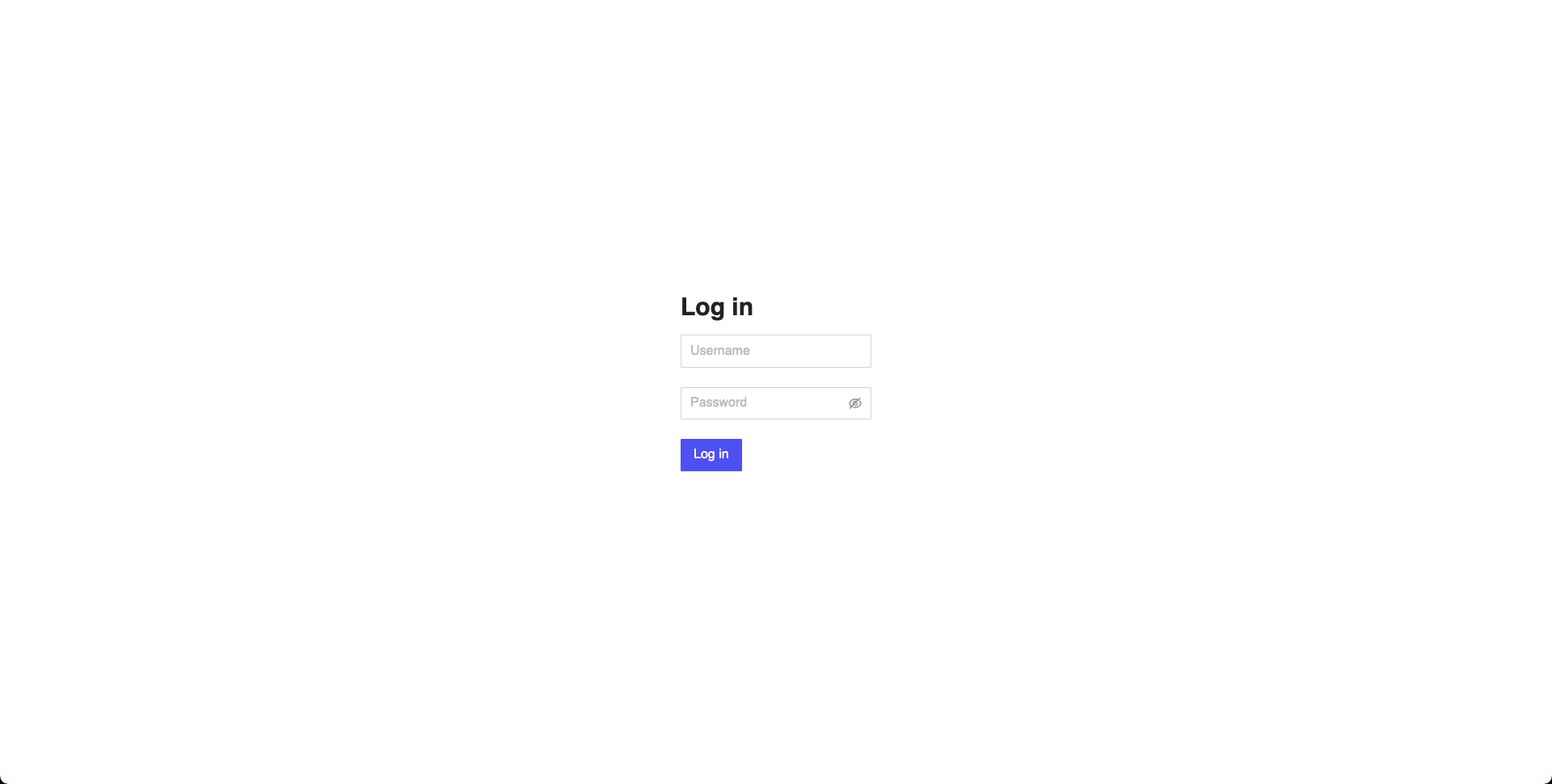 Figure 1: Admin Login Page
Application Structure
The application is divided into two main sections:
- Sidebar: For navigation.
- Content Area: For displaying the selected section's content.
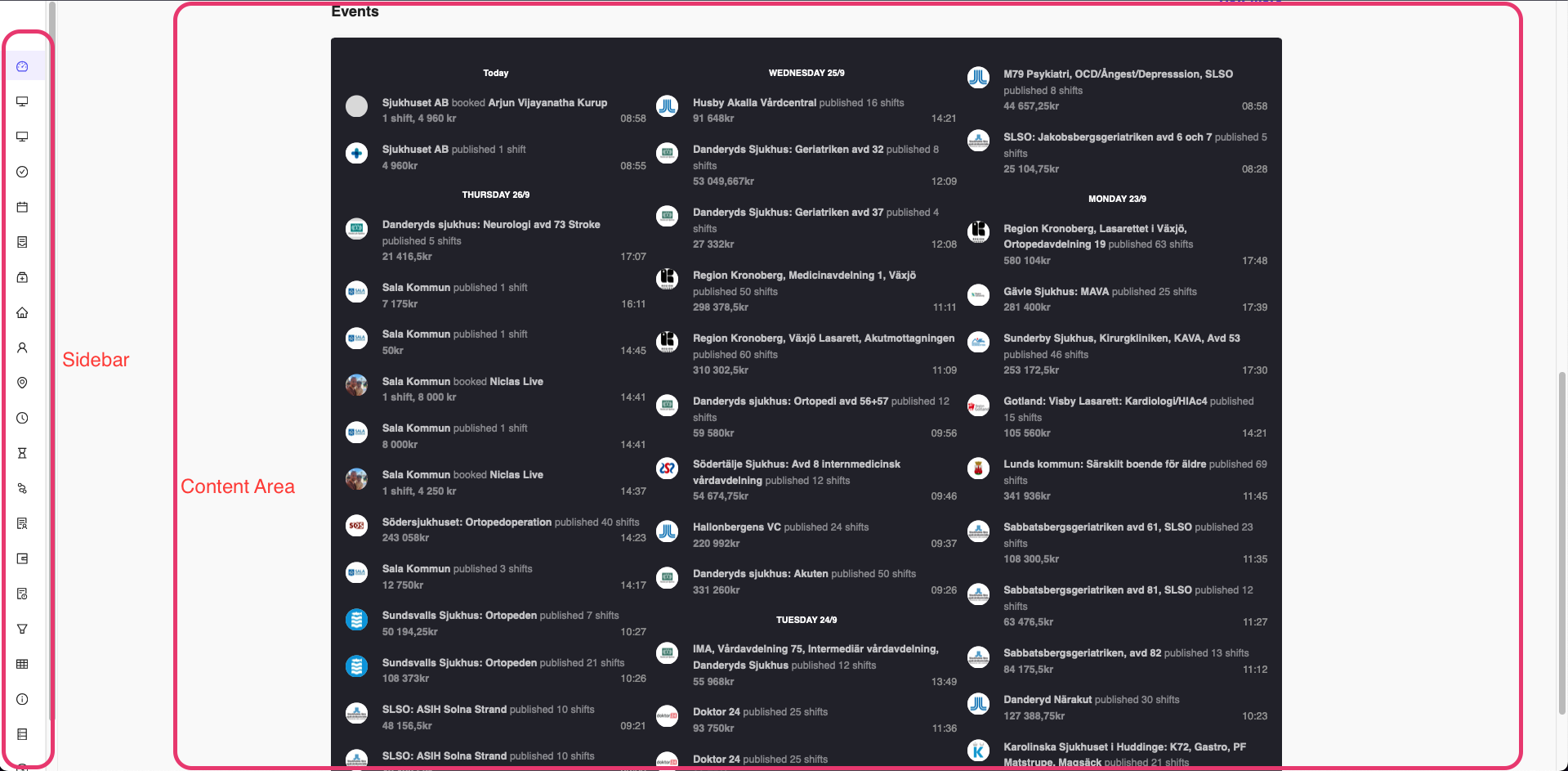 Figure 2: Admin Panel Structure
Navigation
The user can navigate to different sections of the application by clicking on the sidebar once logged in. The sidebar contains the following sections:
- Dashboard: Displays the analytics and events of the project.
- Activity Board: Displays the activities of the users.
- Ads Board: Displays the advertisements.
- Tasks: Displays the tasks created by employers or admin.
- Kalender: Displays the calendar view containing booked shifts by consultants on a weekly basis.
- Shifts Calendar: Displays the calendar view containing all the shifts published by employers on a weekly basis.
- Recruitment: Displays the recruitment page where showing list of job postings by employers.
- Uppdragsgivare: Displays the list of employers.
- Konsulter: Displays the list of consultants.
- Karta: Displays the map view of the consultants and employers(This page takes time to load).
- Attester: Displays the salary attestations of the consultants based on the shifts they have worked.
- Ansökningar: Displays the applications of the consultants for the job postings.
- LTVS: Displays Long Term vacancies of the employers.
- Fakturaexport: Displays the invoice export page.
- Löneexport: Displays the salary export page, where the salary of the consultants can be exported.
- Lönefel: Displays the salary error page, where the salary errors of the consultants can be viewed.
- Marknad: Displays the marketing page, shows the marketing activities of the project.
- Retention: Displays the metrics.
- Frågor och svar: Displays the FAQ page
- Statistics: Displays the statistics of the project(currently not being used).
- Benefits: Displays the benefits of the project(currently not being used).
- Admin Users: Displays the list of admin users, manage the admin users.
This navigation structure is subject to change as the admin panel progresses.